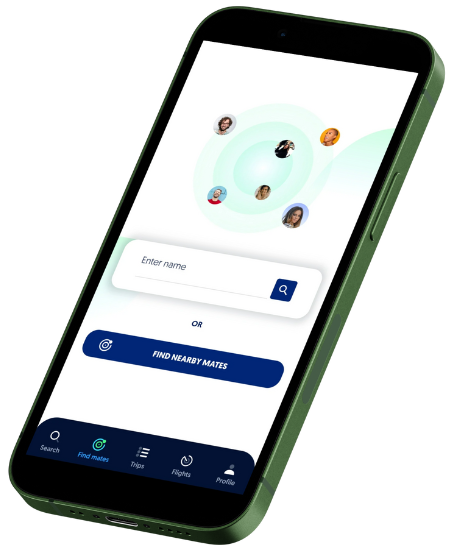
HOW IT WORKS

Follow the steps
When booking your flight and selecting your seat, open the Flight Mate app.
click here
Once the app is open, search your flight number.
click here
After finding your flight, search through passengers and claim a seat beside the user’s profile who will give you an enjoyable flight experience.
click here
Return to your flight app and choose the seat number that corresponds to the one next to your Flight Mate’s.
click here
Update your Flight Mate profile with your seat selection.
click here
Prepare for your trip and enjoy your flight!
click here
Search through nearby Flight Mate profiles to connect with users during layovers or while waiting at your gate.
click here
You book the flight. We help you customize your experience.
click here
Whether you’re reading, sleeping, or holding a conversation, Flight Mate’s interactive profile database allows you to customize your experience. You’ll be able to read through passenger profiles to see who is the best match for your travel preferences. User profiles on Flight Mate can be customized to (optionally) include a profile picture, details on how you wish to spend the duration of your flight, and more.
0
+
Active Users
0
+
Downloads
0
+
Score
0
+
Positive Ratings
Have more questions?
Contact Our Team Today